

One platform for your entire creative operation.
Requesting, briefing, creating, reviewing, approving, storing, publishing and distributing. One single post passes through many hands and many apps before it goes out. Now imagine a full campaign.
Wikimee unifies processes, project management and content control in one digital environment and one continuous flow.
Here is how we do it.
it all comes down to connection
In Wikimee, processes and workflows connect seamlessly.
Each part connects to the next and the work runs end to end. No exporting, no resending, no searching somewhere else.
- Demands
- Agile Boards
- Schedule & Planning
- Approvals
- Initiatives
- Workspaces
- People & Teams
- Relationship Portals
- Drive & Content
- Messenger & Feed
- Smart Search
- Metrics & B.I. Dashboard
Disconnected tools create friction and errors at every handoff.
Connected components bring flow and precision.
component 01 of 12
Requests, briefs, demands and creative initiatives
The ideal place to develop a complete brief, with details, links, attachments and references.
And, at the same time, a fantastic place to turn that brief into actionables: demands, tasks or even a complete creative Initiative, with project and campaign integrated.
goes into production on the Board, with an owner, a deadline and clear stages
assigned with owners and due dates
project and campaign integrated, with goals, teams and a schedule
The request comes in through the platform or through your client's portal and is reviewed on intake: it can be resolved as an internal demand or turned into a complete creative Initiative. The actionables are created automatically, with an owner and deadlines.
The brief lost in email becomes a thing of the past.
components 02 and 03 of 12
Boards & Workflow
Production moves through clear stages, with an owner and a deadline in each one.
intake (2)
in progress (5)

in approval (9)
final deliveries (214)


Everyone takes part in the Work Boards at the same time: people and teams are brought in automatically, at the right moment, creating a dynamic flow that ties the whole operation together.
Status stops being a meeting: whoever requests, whoever creates and whoever approves all see the same thing.
component 04 of 12
Initiatives
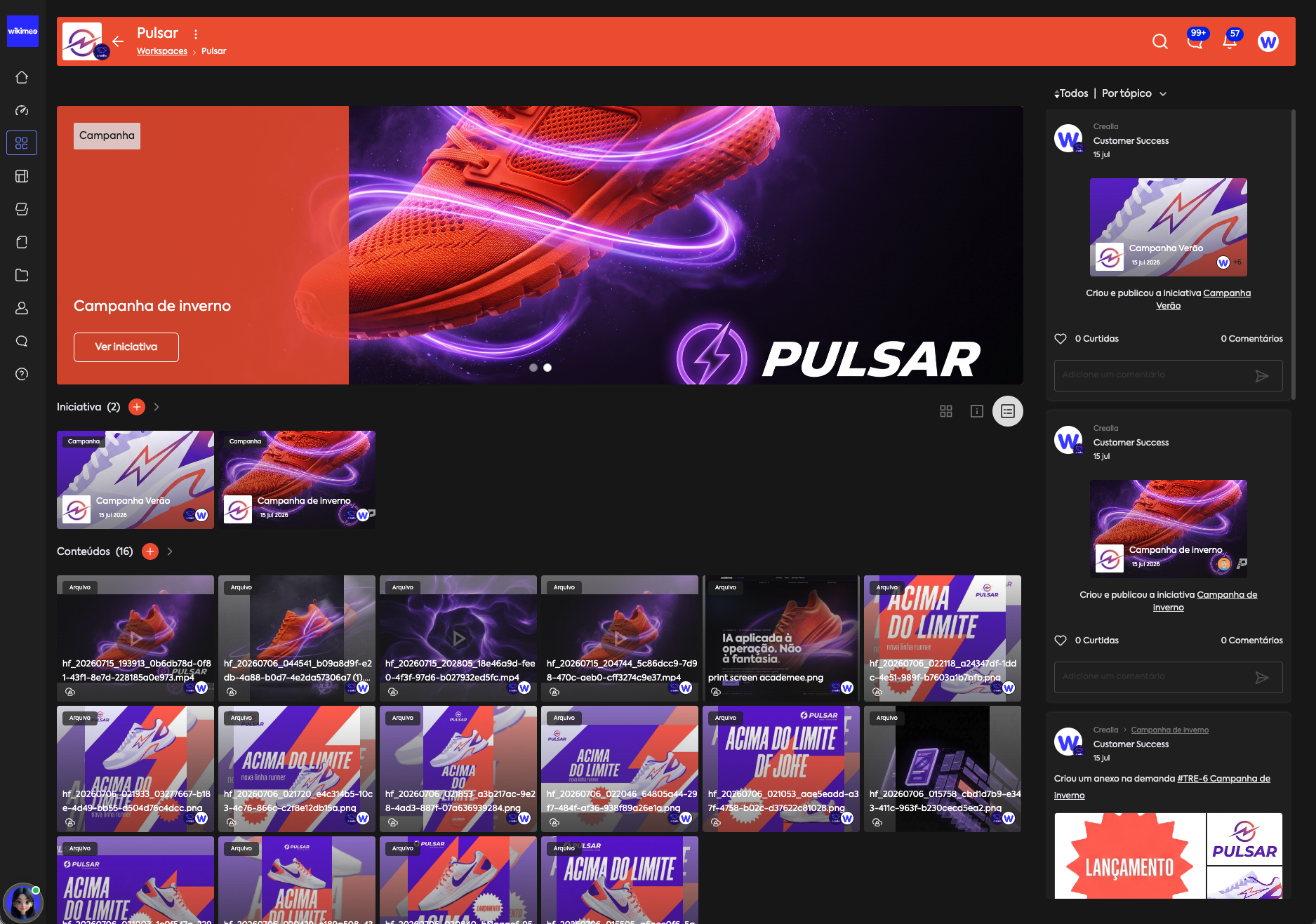
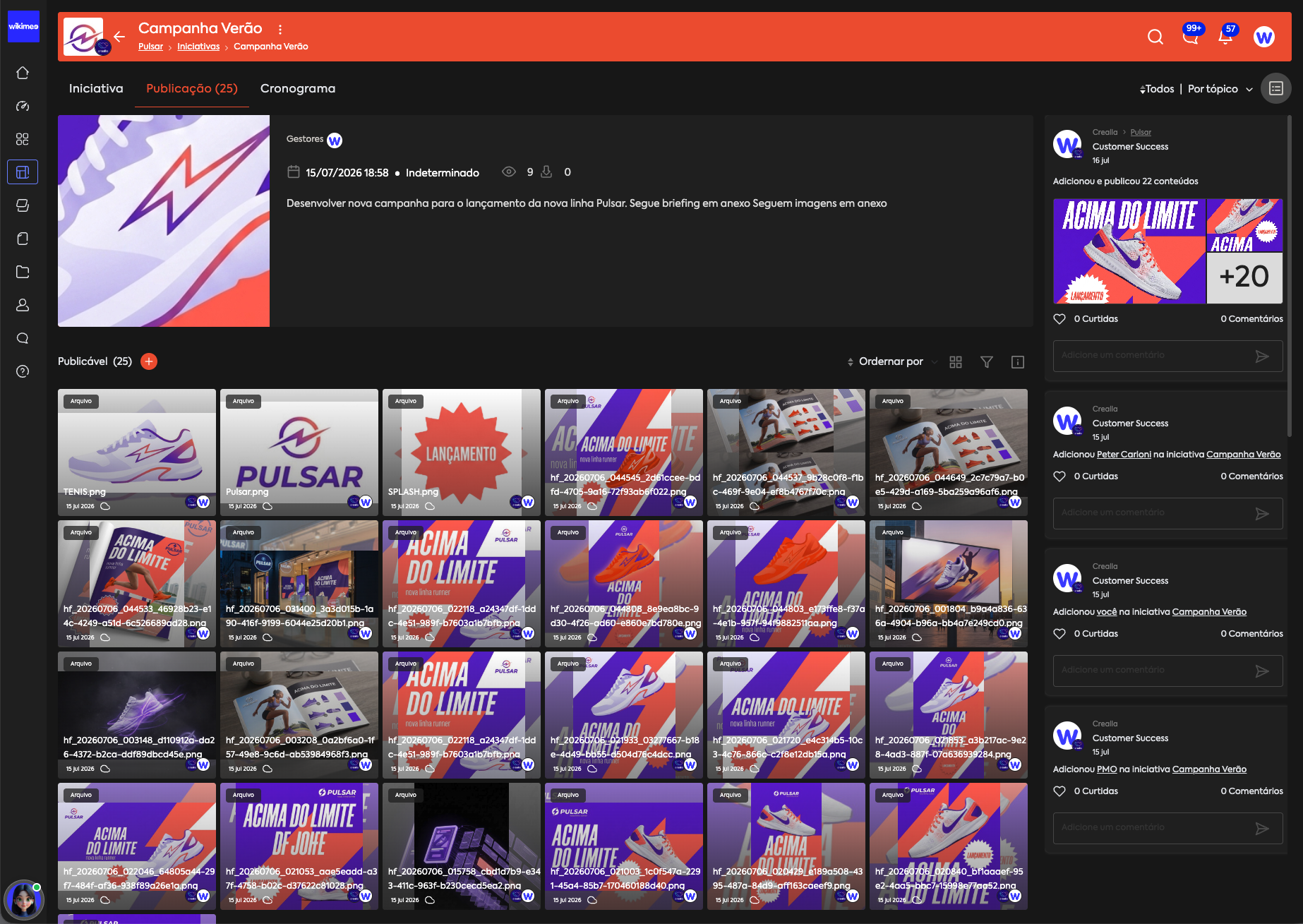
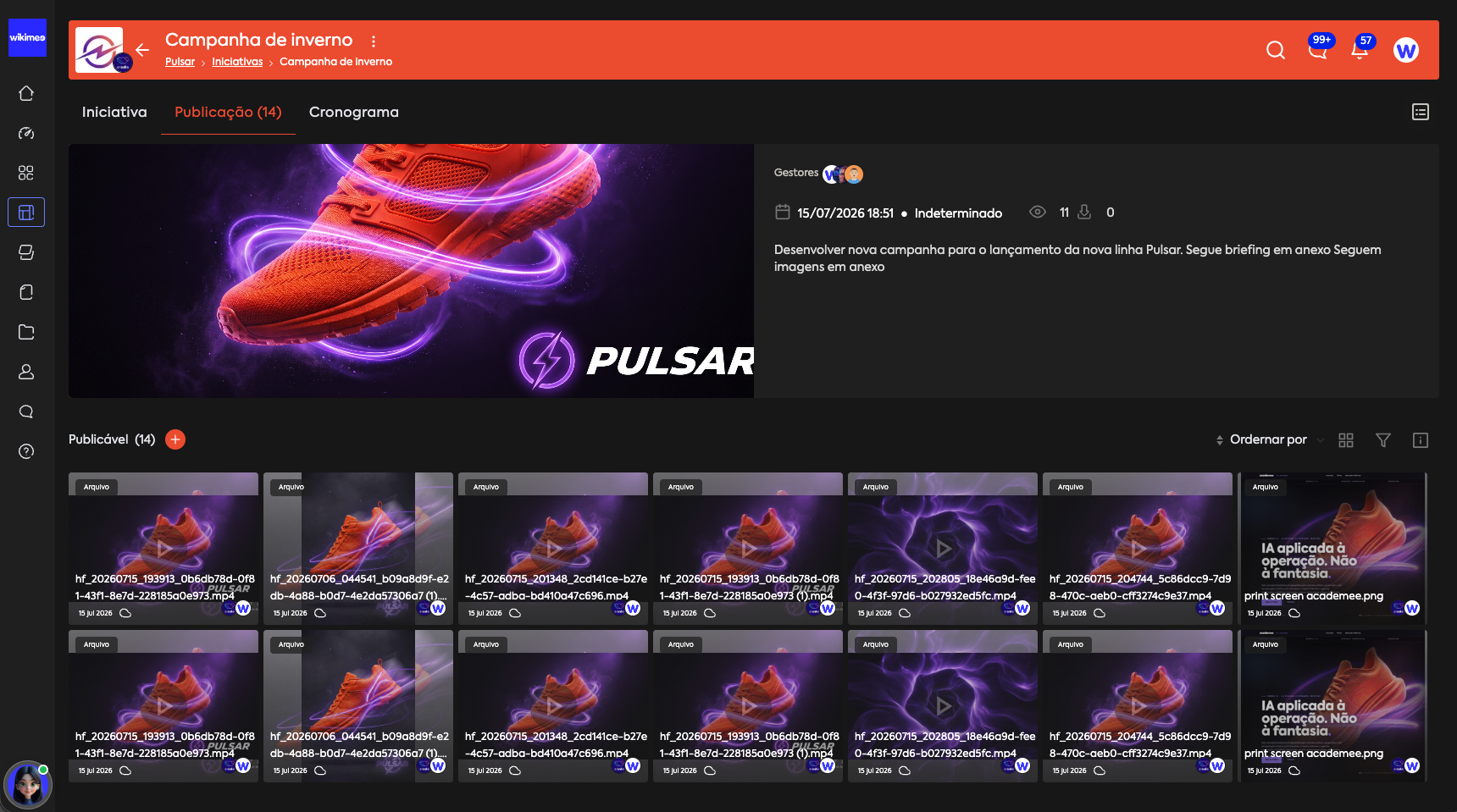
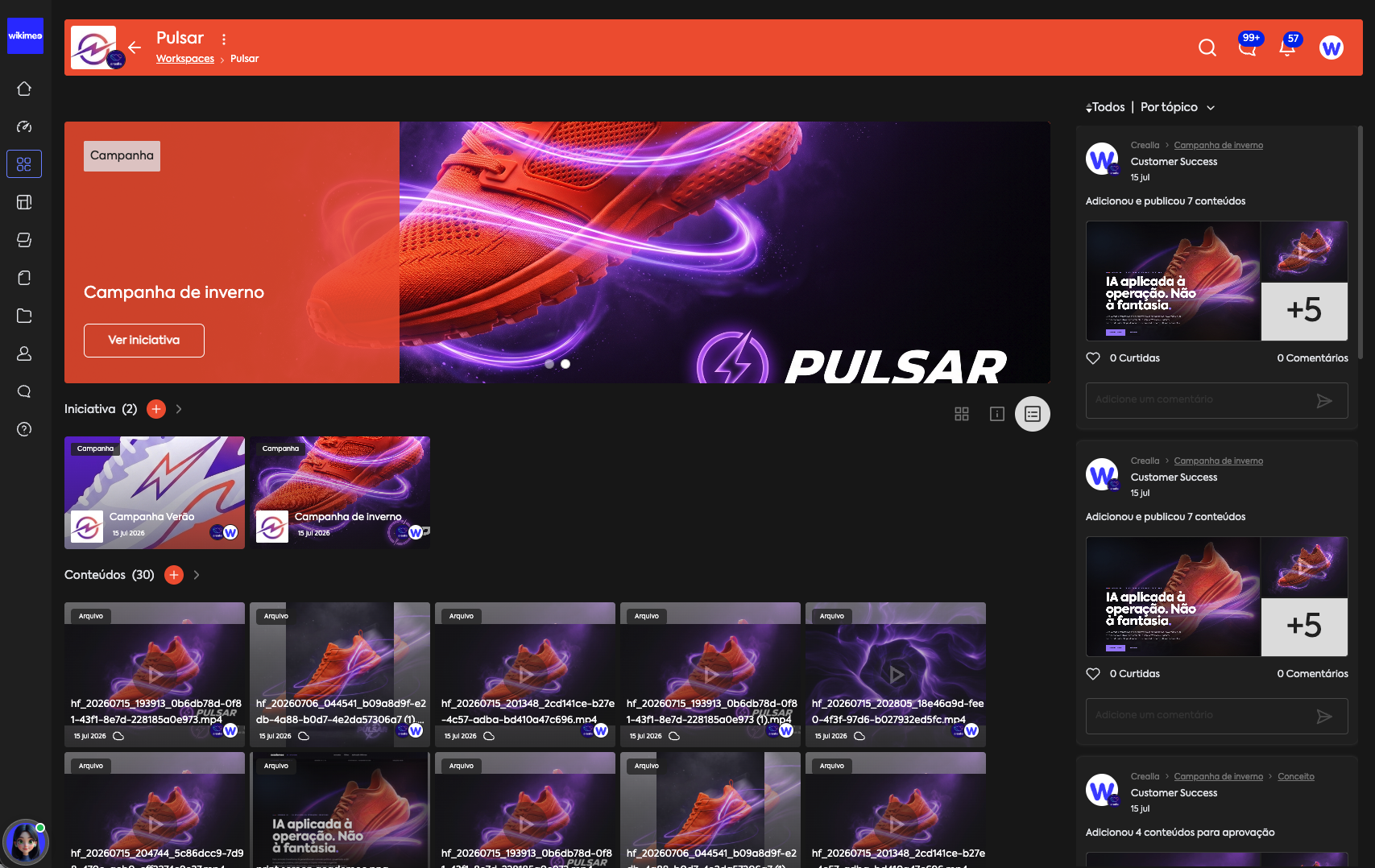
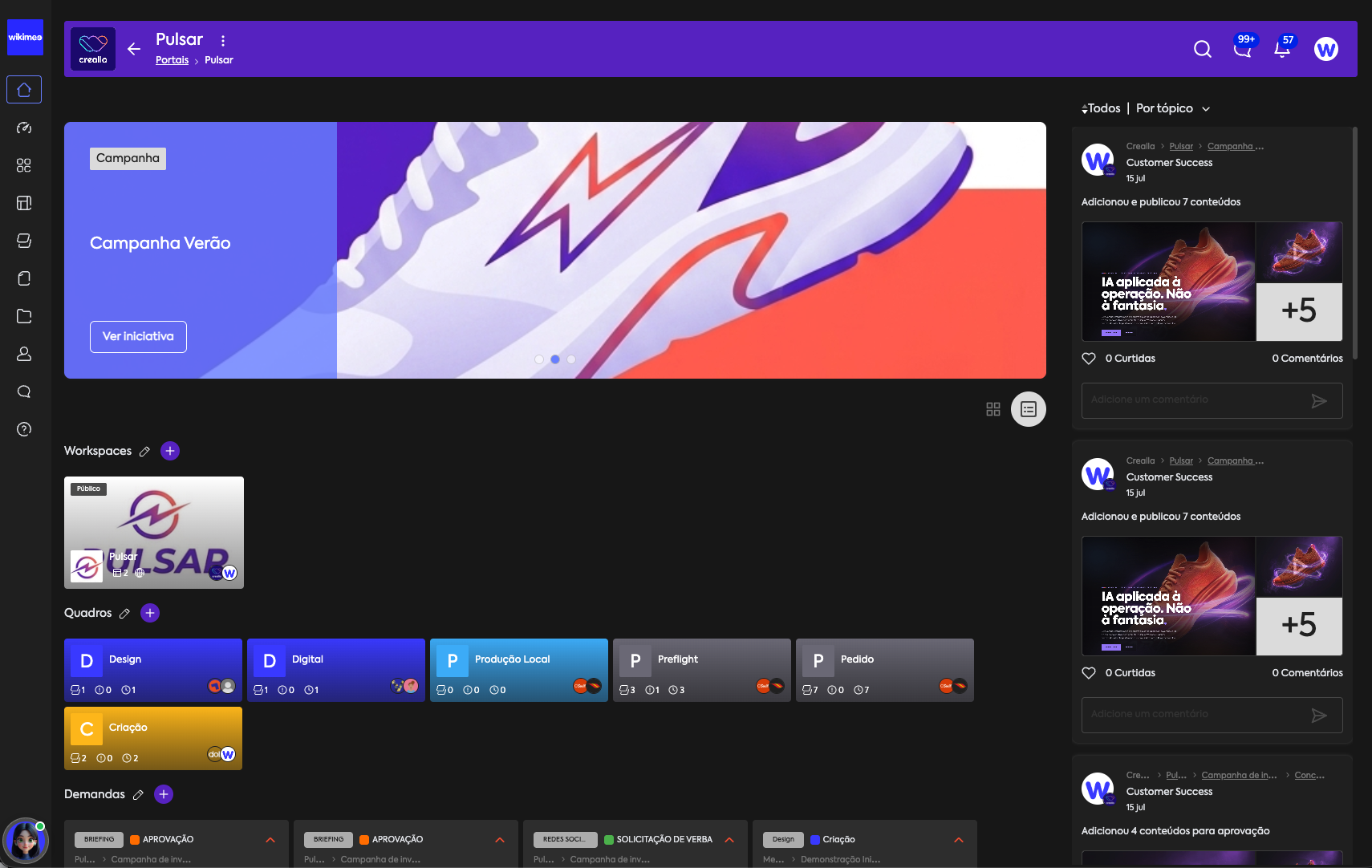
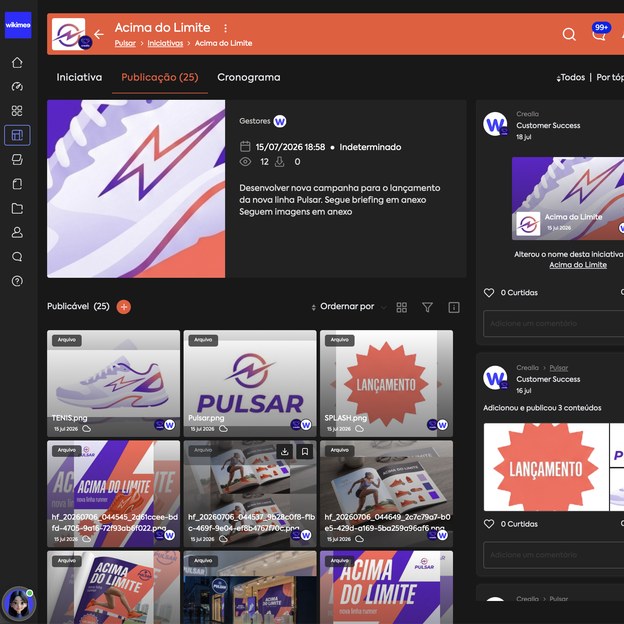
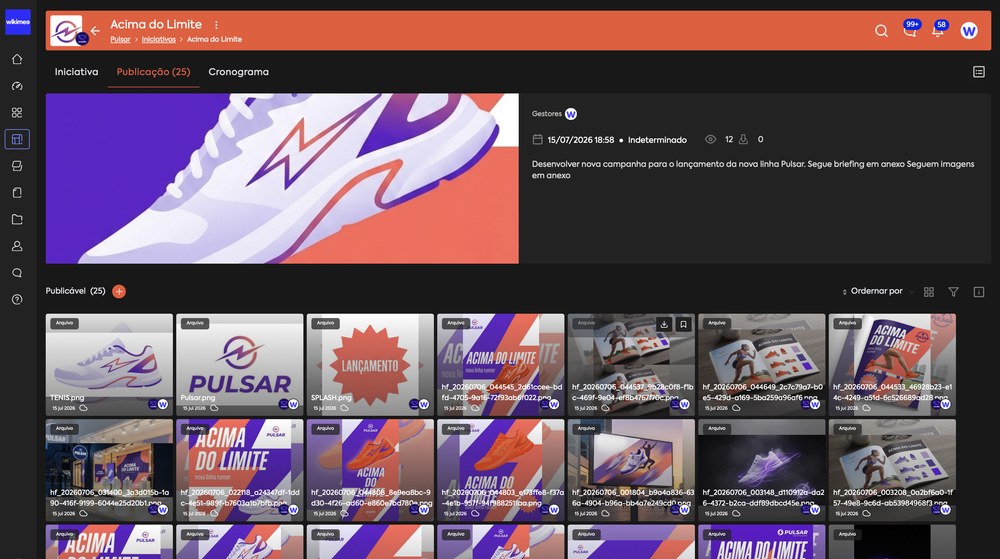
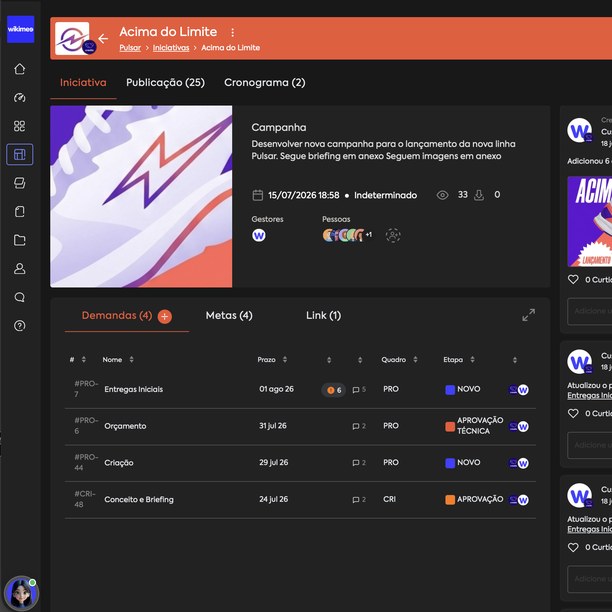
Campaigns, projects and events, whole, inside a Creative Initiative.
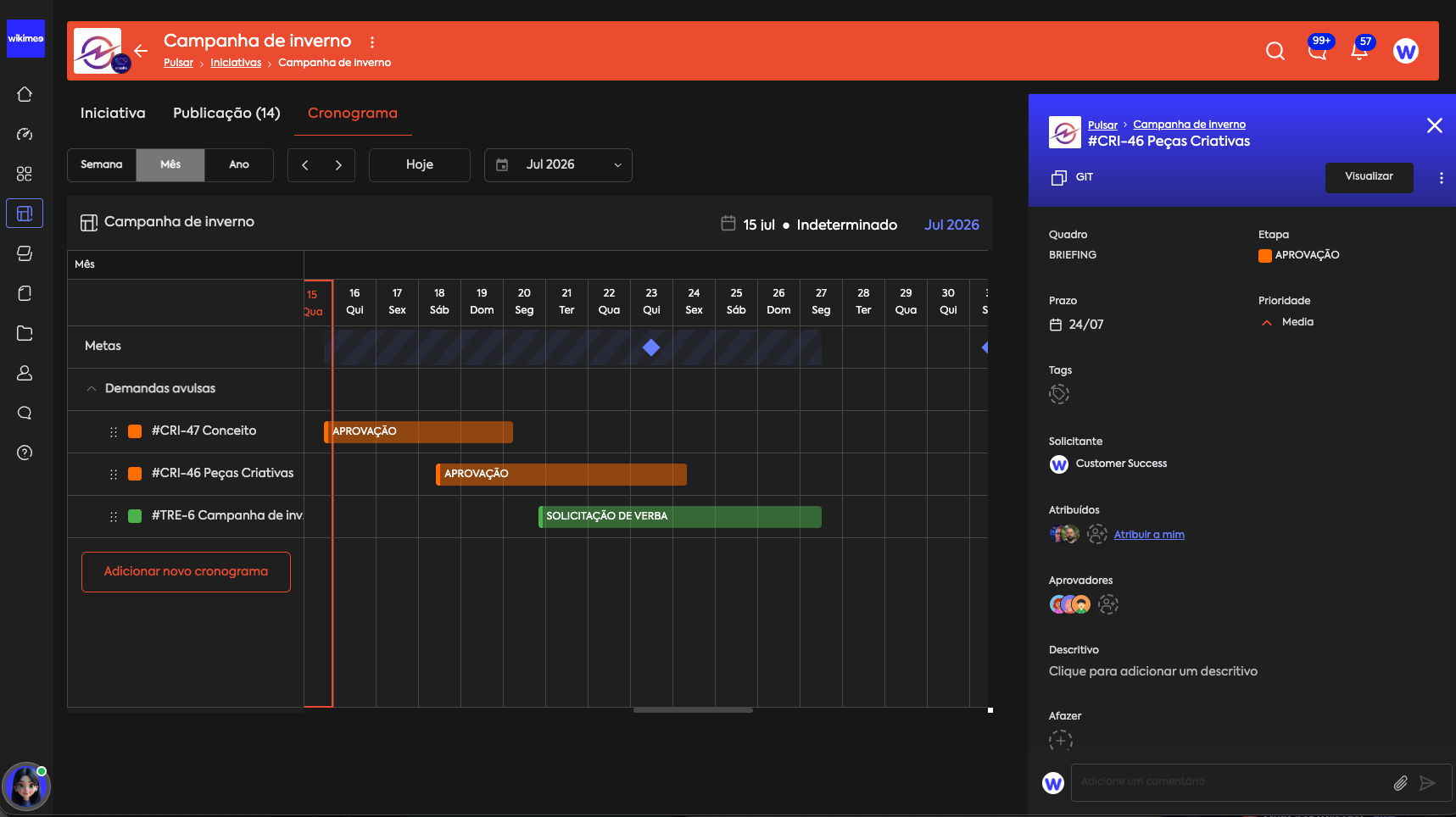
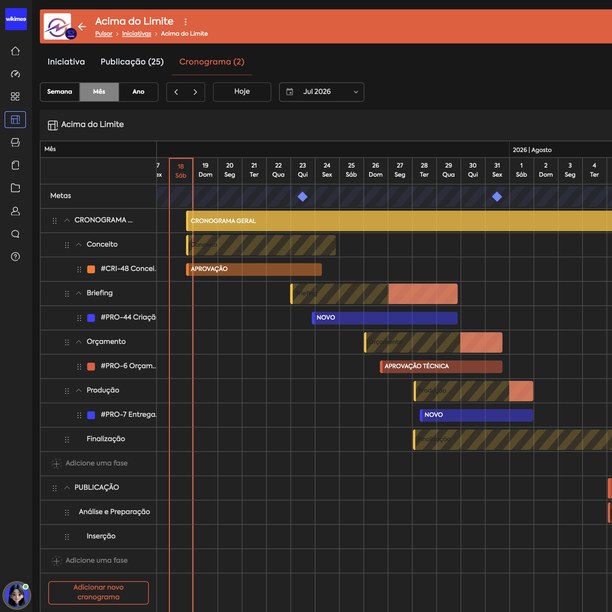
The Initiative is the co-creation environment where the campaign takes shape: the demands, the people, the files, the goals and the schedule in one place, with a timeline visible to everyone involved, from the team to the client.
the plan over time
the campaign's demands
component 05 of 12
Approvals
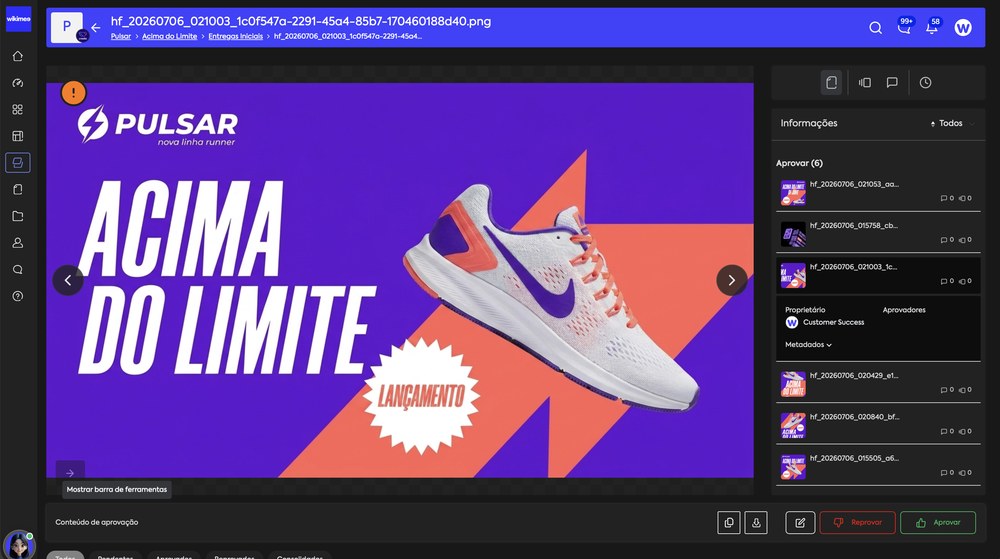
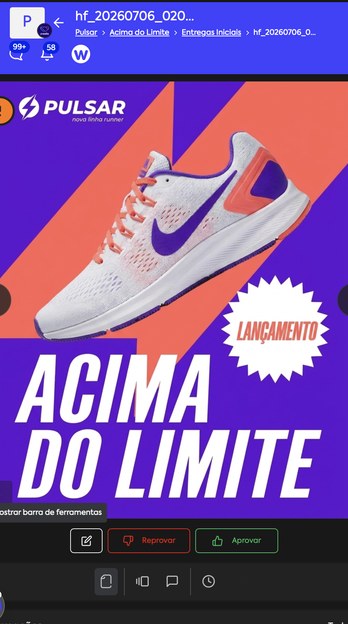
Approval happens right on the preview of the asset.
annotations resolved: 2 of 2
High-definition preview while production is still underway, annotation on the exact spot of the asset, version comparison and control, and the decision on record: who approved, when and what.
Once approved, the asset moves on to the channels. And this is where versions stop multiplying.
component 06 of 12
Drive & Content
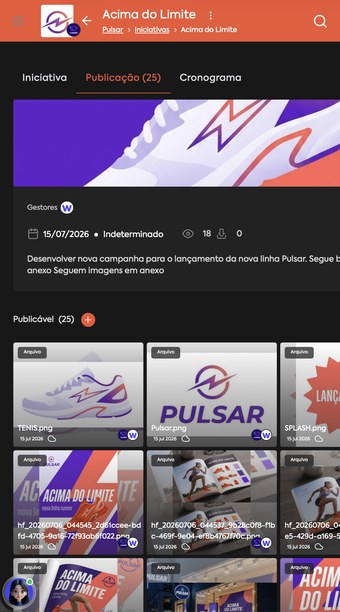
All approved work becomes the brand's library: version, history and usage rights.
 winter · master
 feed 1:1
 stories 9:16ooh 16:9
 retail · poster
 key visual
 15s video30s videobanner 970
 email herorights · 12mpos · a4
Content is the brand's library: every approved asset comes in organized into collections, with version, history and usage rights. The asset is published on the platform or distributed, through integrations, to the channel your operation already uses. The Drive sits alongside, to receive and exchange raw files, including with vendors and partners.
On the next campaign, nobody starts from scratch: the library is ready to work again.
components 07, 08 and 09 of 12
Workspaces · People & Teams · Messages & Feed
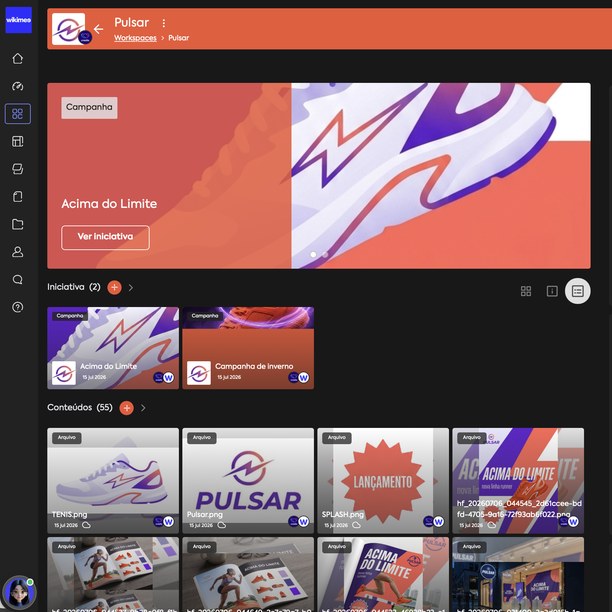
Every brand in its own lane.
You give each brand, or each client, its own space, and open as many areas inside it as you need: per product, per campaign, per workstream. Some stay visible to the whole team, others only to those on the inside. Everyone finds what's theirs right away, and conversations happen next to the work, not lost in email.
Each brand organized, and the whole operation with it.
component 10 of 12
Relationship Portals
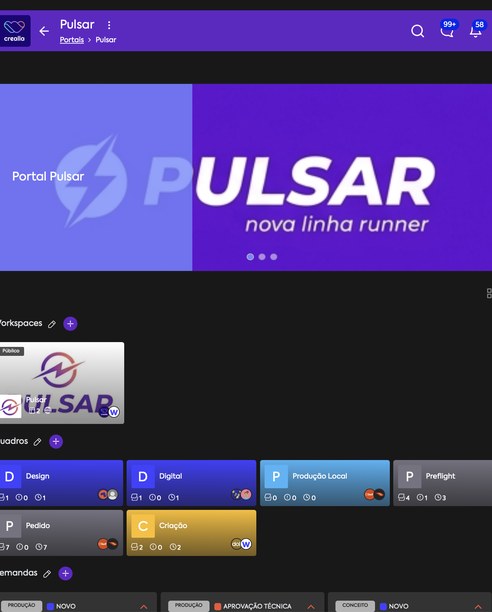
A portal with your domain, your login and your brand's look.
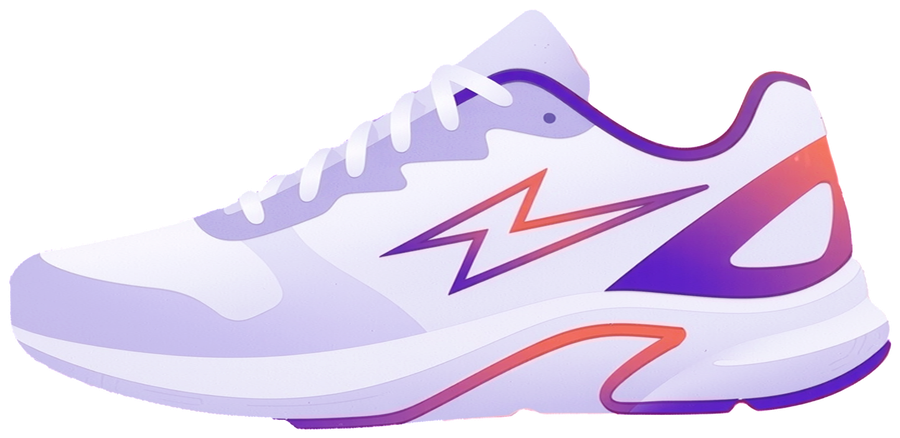
The Portal is the brand's relationship environment with the outside world: clients, vendors and partners follow, approve and make requests there, at an address with the brand's identity, like this one from Pulsar. For agencies, it's the client service channel. And Wikimee doesn't show up: you do.
launch in production
ABOVE THE LIMIT
your deliveries
need something new?
Open a request right here. It reaches the team structured, and you follow every stage.
Make a requestCollaborators, vendors and partners, each one connecting with your brand.
components 11 and 12 of 12
Smart Search & Metrics · B.I. Dashboard
Search that finds everything. Metrics that show the whole picture.
Filters across demands, files, initiatives and conversations, plus the panoramic view in real time: what only becomes possible when everything is in the same place.
When the question is "how do we do this better?", Academee is the one that answers.
Journeys and tracks on creative operations, from the brief to rolling out assets at scale: the method that makes an operation deliver more, taught step by step.
Meet Academee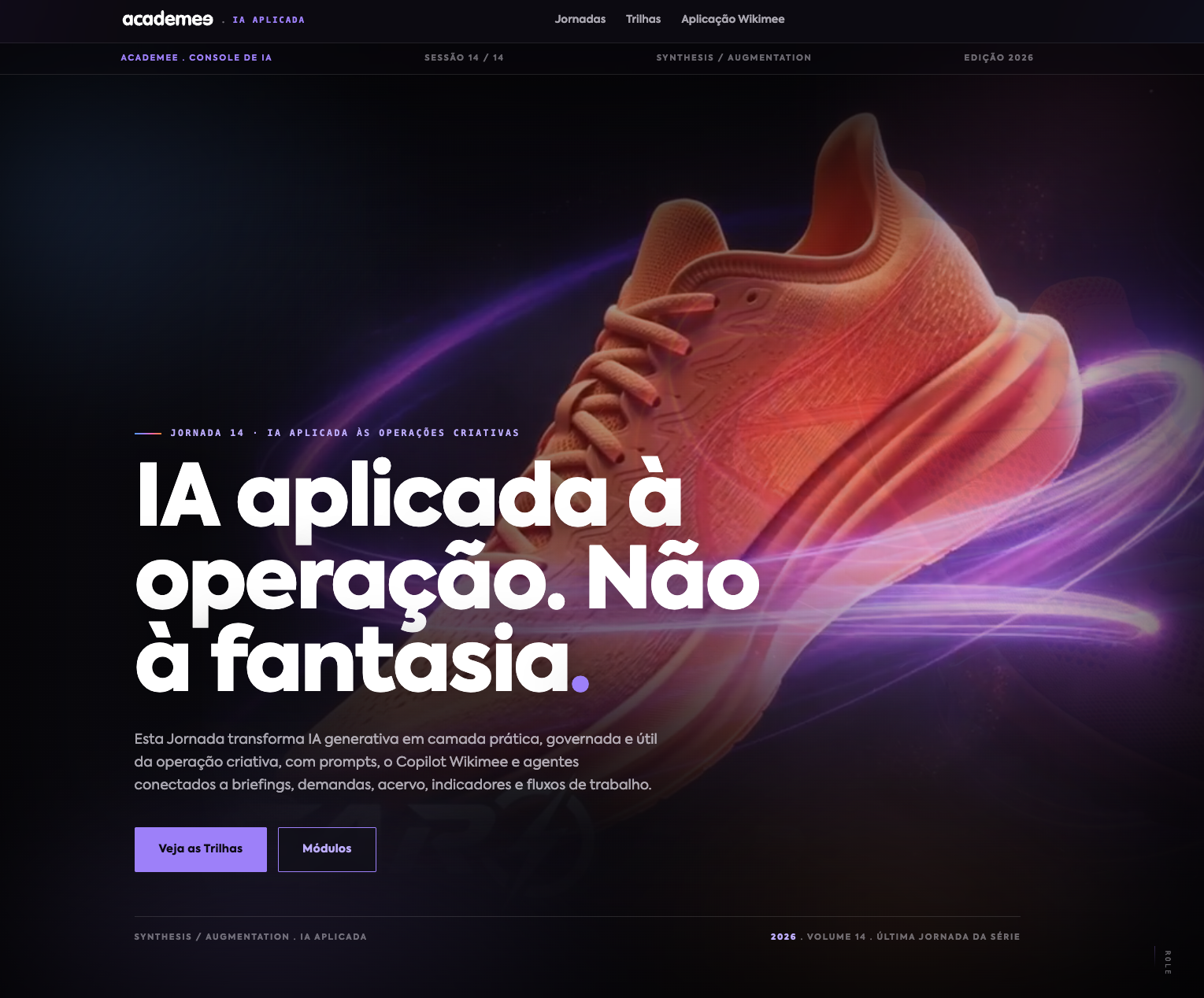

From request to publish, in one dynamic, continuous flow.
Connected components working as one thing, from the single-asset demand to the campaign that unfolds into thousands. See Wikimee running with your operation, your teams and your brands.